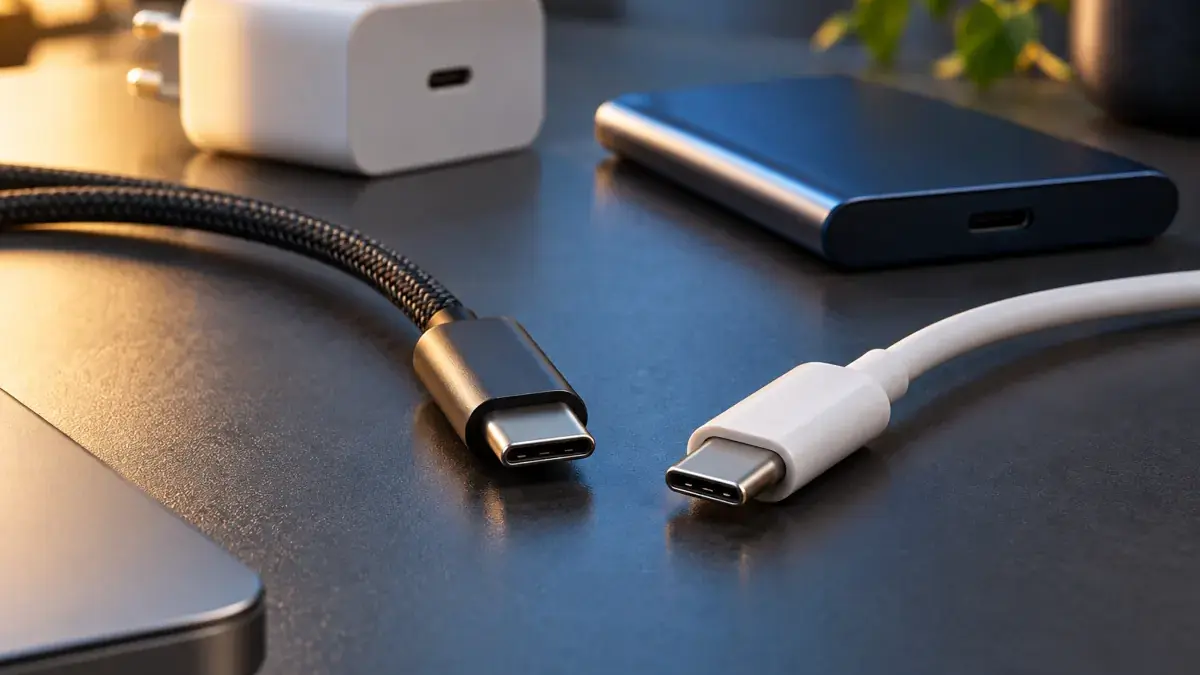
Two cables with identical connectors can behave very differently. The shape of the plug is a starting point; it does not describe every job the cable can do.
Read two capabilities separately
USB-IF's cable certification guidance distinguishes power capability from supported data rate. Its rules call for 60W or 240W power markings on certified USB-C to USB-C cables, with data-rate markings for the relevant cable classes. USB 2.0 cables are an exception to the required data-rate marking.
A high wattage figure therefore does not tell you how quickly an external SSD will transfer files. The two specifications answer separate questions.
Charging is a negotiated system
USB-IF's Power Delivery overview explains the protocol and its expanded power range, up to 240W under the applicable specification.
The cable's rating is a capability, not a command to deliver that power. The charger and connected device must also support the intended arrangement. A more capable cable cannot add a missing feature to the laptop or power supply.
Start with the actual task
For a bedside charging cable, write down the device's charging requirement and the charger you intend to use.
For an SSD connection, also record the supported data interfaces on the drive and computer. For a dock, check the dock manufacturer's cable requirements rather than assuming any cable that charges the laptop will provide every dock function.
This is our suggested shopping worksheet, not a recommendation for a specific product.
A small comparison example
Imagine Cable A advertises a clear power rating but only USB 2.0 data support. Cable B has an explicit higher data-rate specification and enough power capability for your equipment.
Either might suit ordinary charging. For frequent large file transfers, the missing data capability on Cable A becomes relevant. The price comparison makes sense only after the task has been defined.
Verify the label and the product
USB-IF's certified product search is a useful reference for products in its programme. Certification still does not enlarge the capabilities of the devices attached to the cable.
When troubleshooting, write down the full chain: computer port, cable, adapter or dock, and peripheral. Change one part at a time and record the observed result. That produces more useful evidence than repeatedly buying a cable with a larger wattage number.
For another hardware design perspective, read Repairable Devices and Design.
Cover: original AI-generated product illustration.